
What Calendar is for
Calendar gives you a time-based view of work that already has a date: Agent Runs, Automation schedules and runs, and important human checkpoints. Use it to answer questions such as:- What ran yesterday?
- Which recurring tasks are scheduled this week?
- Did several expensive Runs overlap?
- When did a review or approval happen?
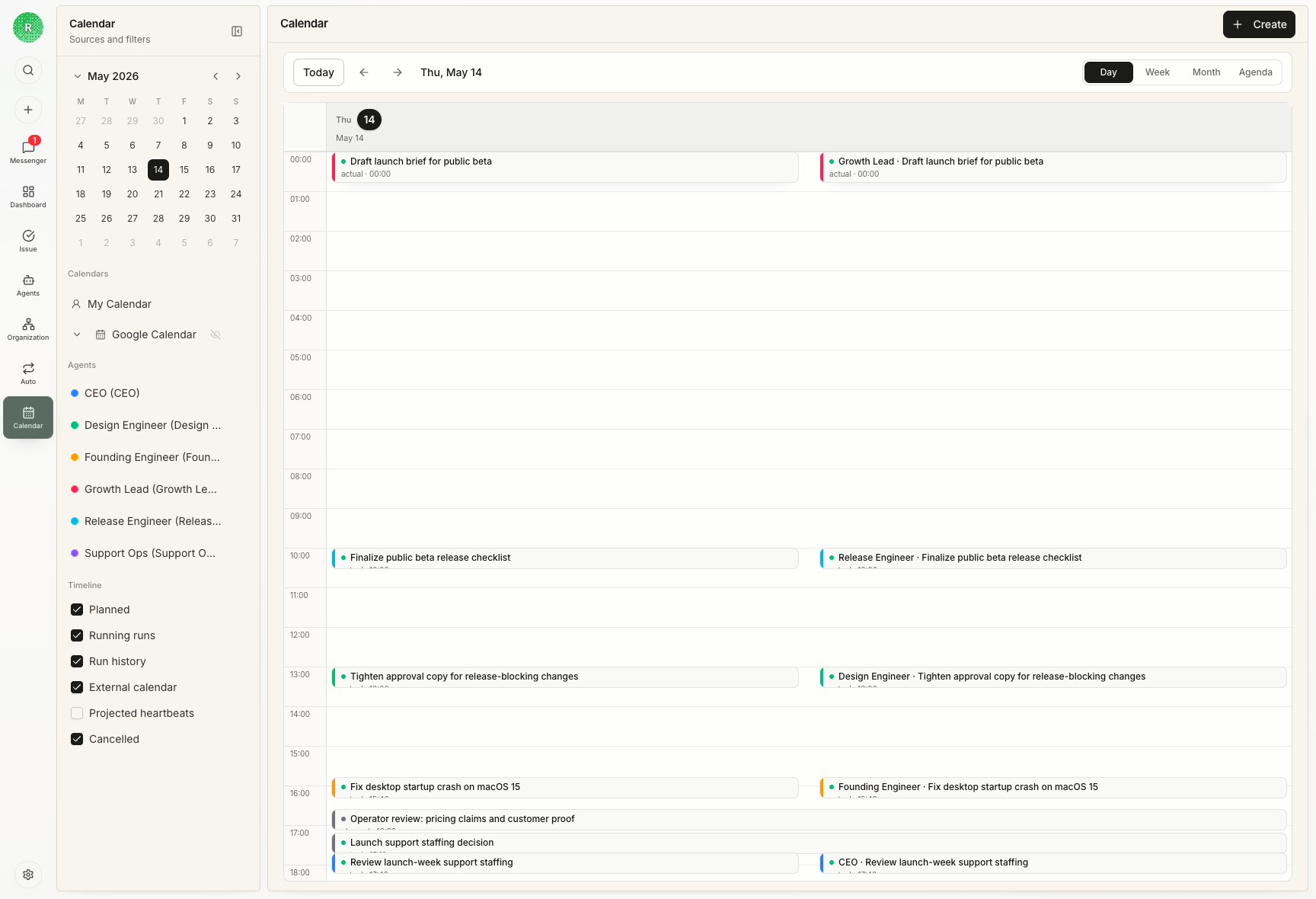
Example: check a weekly report
An operations digest is scheduled for Monday morning. Calendar shows the next scheduled time, then the Run after it happens. If the report fails, open the source Automation or Agent Run to see the reason and fix it.Calendar does not replace the task
Day, week, and month views arrange the same source records in different ways. To change an owner, reply to a question, review output, or edit a schedule, return to the original Issue, Chat, Run, or Automation.What to remember
- A Calendar event does not prove the work succeeded.
- Calendar never creates a second status for an Issue or Automation.
- Events stay inside their organization and link back to their source.
- A source change is reflected in Calendar; you do not edit a separate copy.