
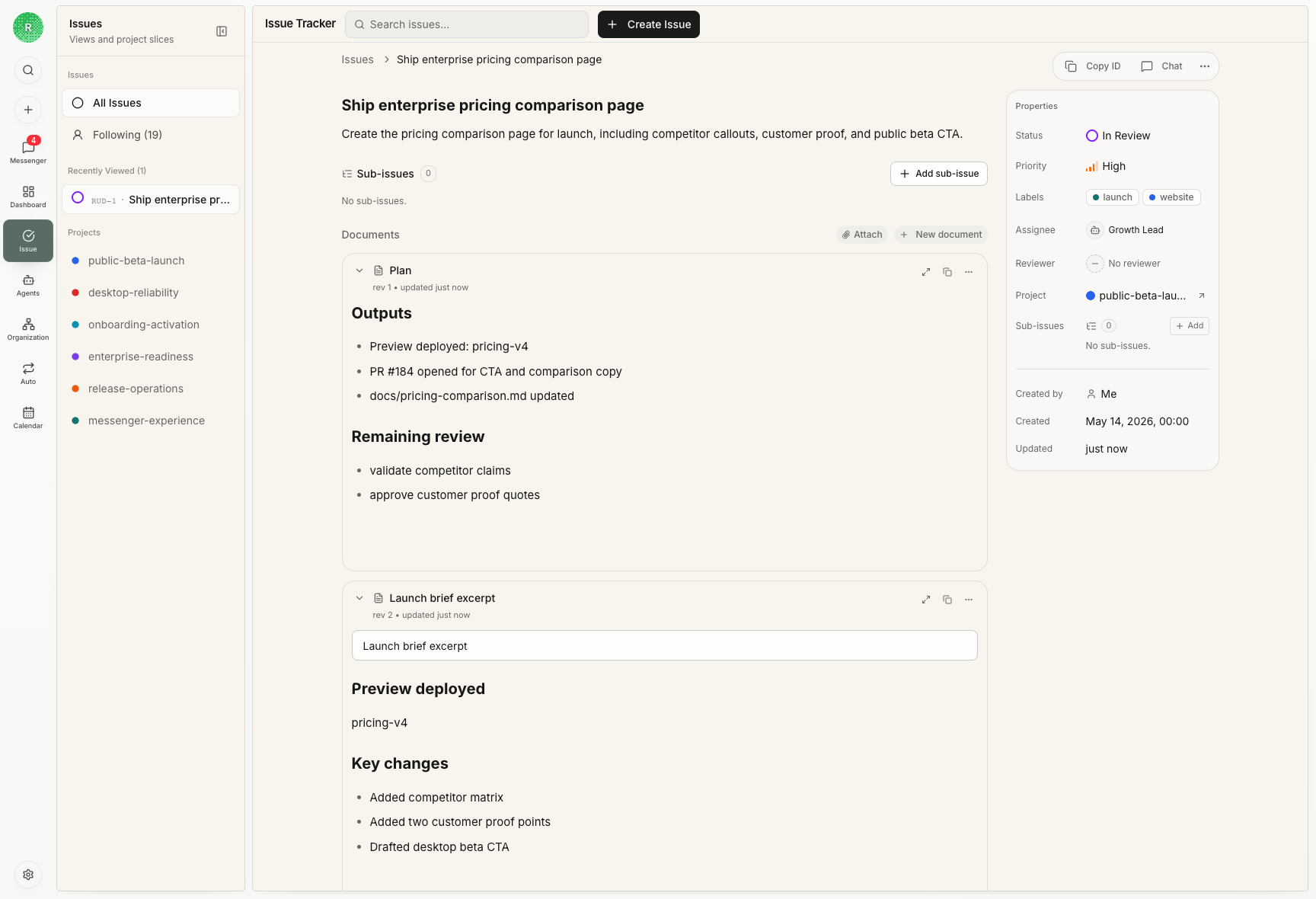
What belongs on an Issue
- the result you want and how you will judge it
- one person or Agent responsible for the next step
- status and dependencies
- comments and directed Agent requests
- related Agent Runs
- files, screenshots, links, and other results
- a reviewer and their decision, when review is needed
Status in plain language
| Status | Use it when |
|---|---|
backlog | The request still needs scope, priority, an owner, or a clear result |
todo | The task is ready for its owner to start |
in_progress | The owner is working on it |
blocked | A person, dependency, permission, or external event must happen next |
in_review | The result is ready for someone else to judge |
done | The result has been accepted |
todo. A new owner should be able to read the
Issue and start without asking what success means.
Ownership
An Issue has one assignee so the next step is unambiguous. When two Agents have independent responsibilities, split the work into separate Issues or sub-Issues. Assigning a ready Issue to an Agent can start the work automatically. An ordinary comment adds context but does not wake the Agent; use a directed Agent mention when you want it to act on the comment. Mentioning an Agent does not change the assignee.Review
Add a reviewer when someone other than the assignee must judge the result. Move the Issue toin_review only after the output is ready.
The reviewer can accept the work, request changes, or explain what is blocking
the decision. If the Agent Run fails, keep the Issue open and name the next
action instead of hiding the failure behind done.
Issue IDs
Readable IDs such asR6-42 combine the organization’s Issue Key with a
number. Changing the Issue Key changes how IDs are displayed, not the
underlying task. Links that use an older key continue to work.
Use an Issue from start to finish
Follow a complete assignment, execution, and review workflow.
Chat or Issue?
Decide whether your task needs this extra structure.