
Where files belong
| Location | Put this here |
|---|---|
| Library | Files your team or future Agents should be able to find again |
| Project resources | The small set of Library or external material a project should provide to its Runs |
| Project workspace | The repository or folder where project work happens |
| Run workspace | The exact folder or branch used by one Agent Run |
| Agent home | Managed instructions, memory, and Skill state for one Agent |
| Workspace backup | A saved organization workspace you can inspect or restore |
Example: prepare a client brief
Keep the client’s approved source notes in Library and add only the relevant ones to the project. Let the Agent work in the project repository. Save the accepted brief back to Library and link it from the Chat or review Issue. The next Agent can now find the approved result without inheriting every scratch file from the first attempt.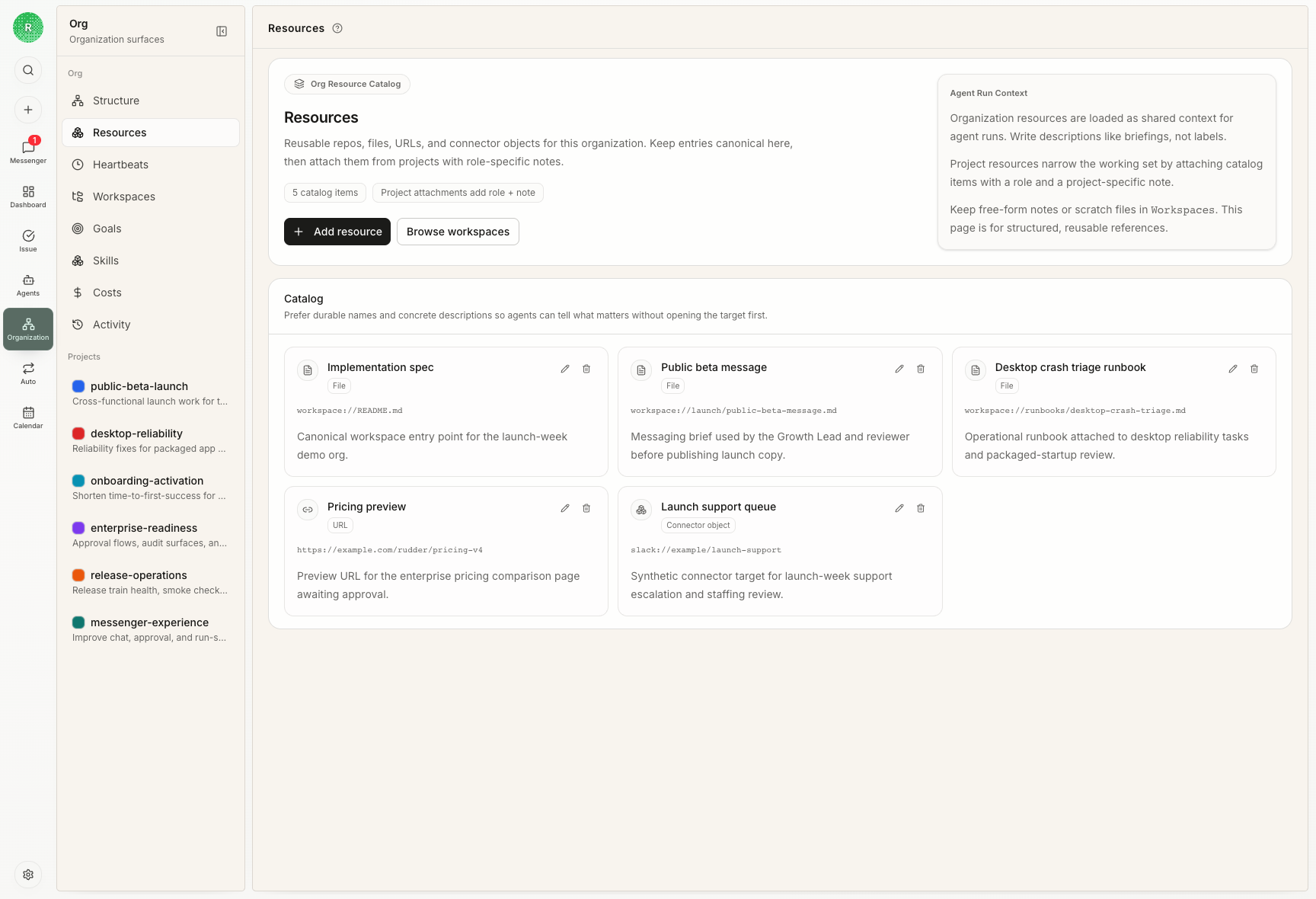
A simple rule
- Input you want to reuse: Library or project resources
- Files the Agent may change: project or Run workspace
- Final result: keep it linked to its Chat, Issue, Run, or project
- Temporary scratch files: do not promote them to Library by default
~/Documents/Rudder.