
Start with Chat unless you need more structure
| Situation | Use |
|---|---|
| You want to ask, clarify, execute, and revise in one conversation | Chat |
| One person can judge the result in that conversation | Chat |
| The task needs an owner, status, dependencies, or reviewer | Issue |
| A team process requires a shared queue or specific fields | Issue |
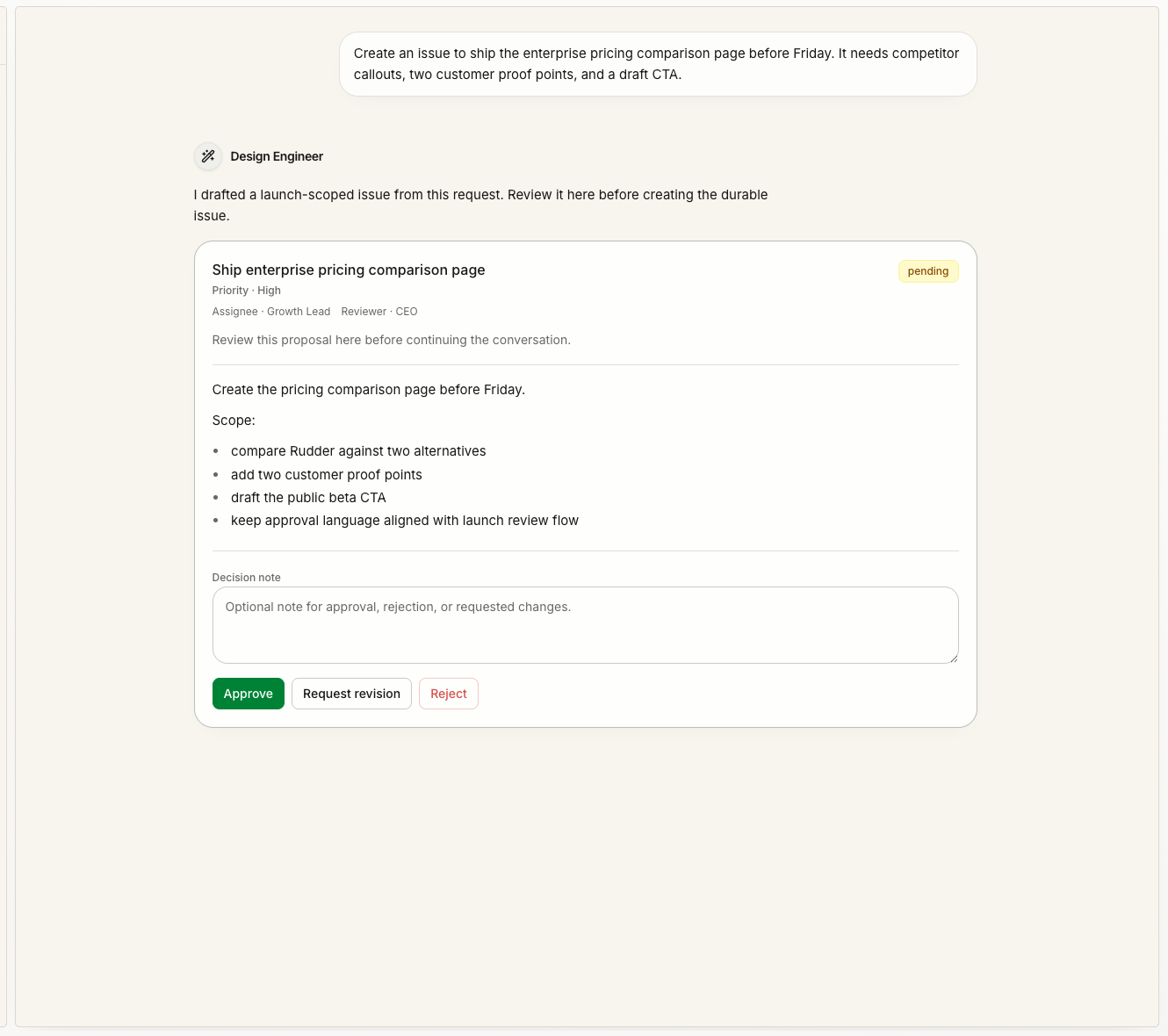
Keep the result in the place where the work happened
In Chat, the conversation keeps the request, Agent Runs, follow-ups, and final answer together. The files and links area separates:- Outputs: files or links the Agent created
- Sources: material you or the project provided
- References: material the Agent cited or recommended
Use Messenger to find what needs you
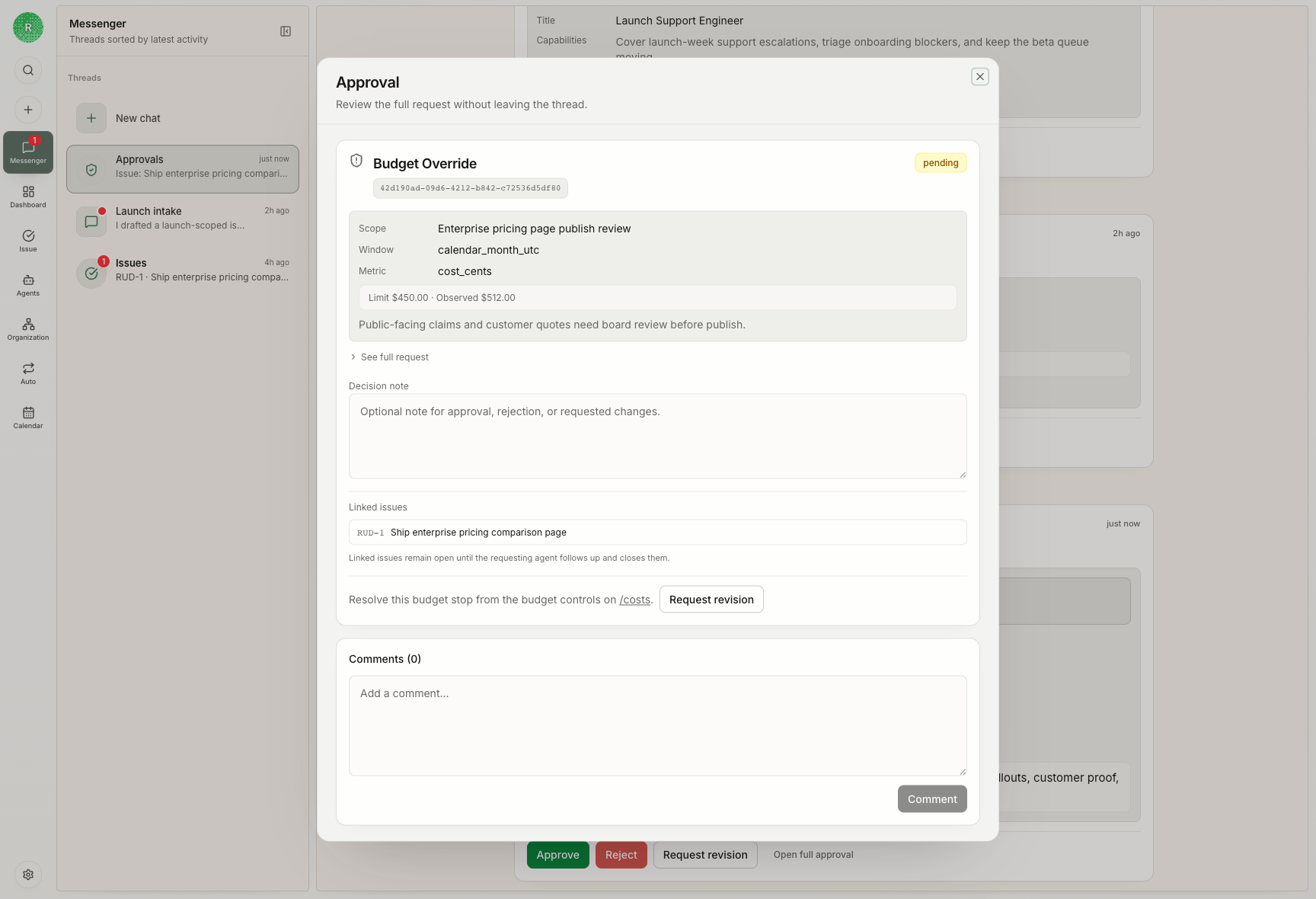
Messenger gathers attention from across Rudder:| What you see | Where to act |
|---|---|
| An Agent asks a question | Its Chat or Issue |
| A Run fails | The Run and its source task |
| Work is blocked | The record waiting for an answer or owner |
| A review is ready | The Issue and its output |
| An approval is waiting | The approval for that action |
Control one conversation without changing the Agent
For each Chat, you can choose an Agent and, when supported, a model and thinking level. That choice applies to the conversation; it does not rewrite the Agent’s default configuration everywhere else. Use Fork when you want to explore a different direction without changing the original conversation. Use Side Chat for a focused question beside the main work.Ask about an exact part of a reply
Select text in an Agent response and choose Add to chat to quote that passage in your next message. Use this to say exactly what should change instead of copying an entire reply. After you send the message, the selected passage remains attached as context.If you send another message while the Agent is working
Rudder either queues the message as a follow-up or lets you steer the active run when the runtime supports it. The editor shows which action will happen. Use Stop when the current direction is no longer useful.Run your first Chat task
Use the simplest path from request to result.
Understand Issues
Add ownership, status, dependencies, and review.